IBAN account
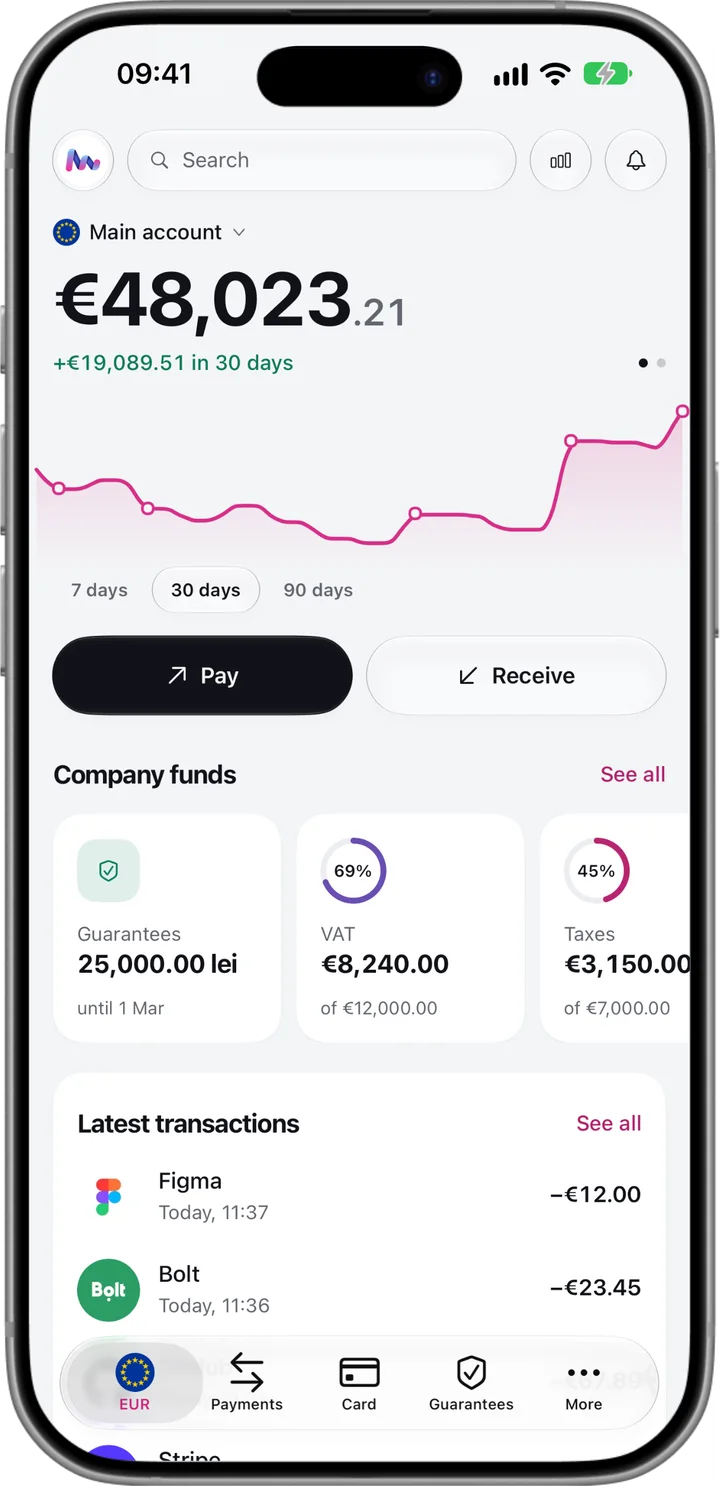
A company account opened from your phone, with balance and transactions always in view.


A second account for payments, card and documents, right next to your tender guarantees.
Get an accountThe app
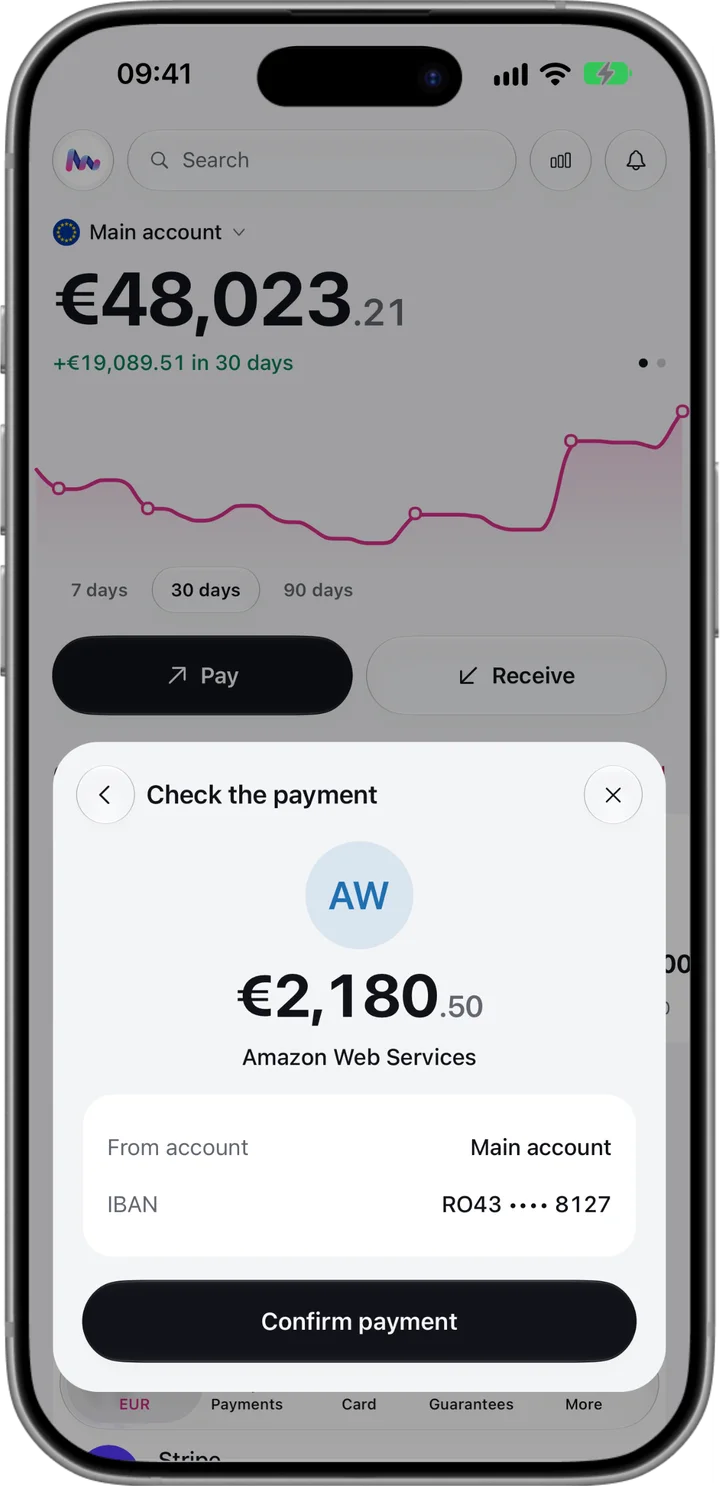
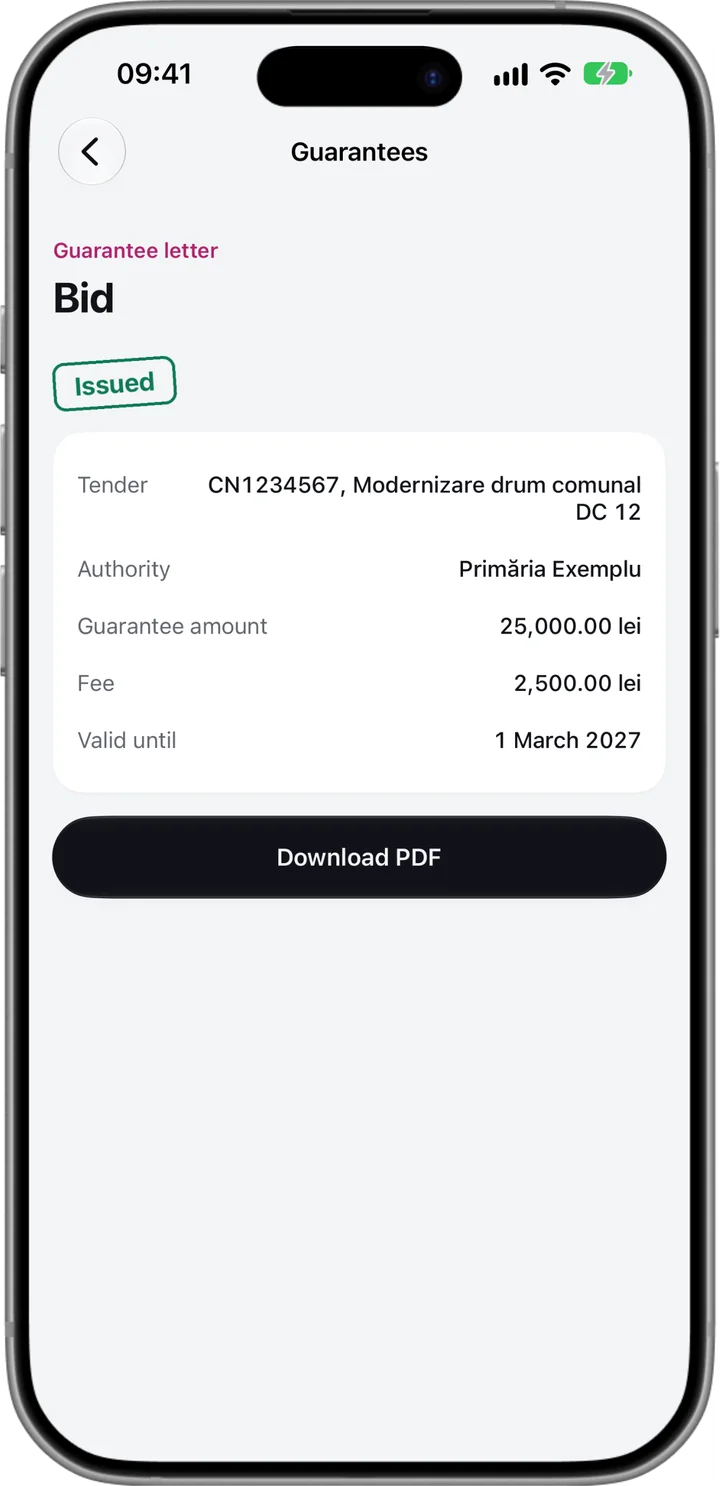
These are screens from the app we're building, with demo data.
What you get
A company account opened from your phone, with balance and transactions always in view.
A virtual card in the app. Freeze it or change its limits in seconds.
Pay suppliers, confirm with Face ID and attach the document right to the transaction.
Ask for the offer, see the fee and download the letter in the same app.
How to start
Leave your email address. We'll tell you when you can open an account.
We start from your tax ID and the representative's details, online, from your phone.
Once approved, you get your IBAN and virtual card in the app.
What you need
Acceptance depends on the company check and the licensed partner's rules.
Questions
Not yet. We're working on the app and on choosing the partner. Join the waitlist and we'll write when it opens.
No. Moneti is designed as a second account, alongside what you already use.
That's our aim. Acceptance depends on the company check and the licensed partner's rules.
We'll confirm them with the licensed partner, before you can open the account.
We publish prices before you can open an account.

Leave your email address. We'll write when it opens.